
Chat with your child's tutor
Message directly in the app, get homework help, and ask questions between 1-on-1 sessions.

Learn anywhere, on any device
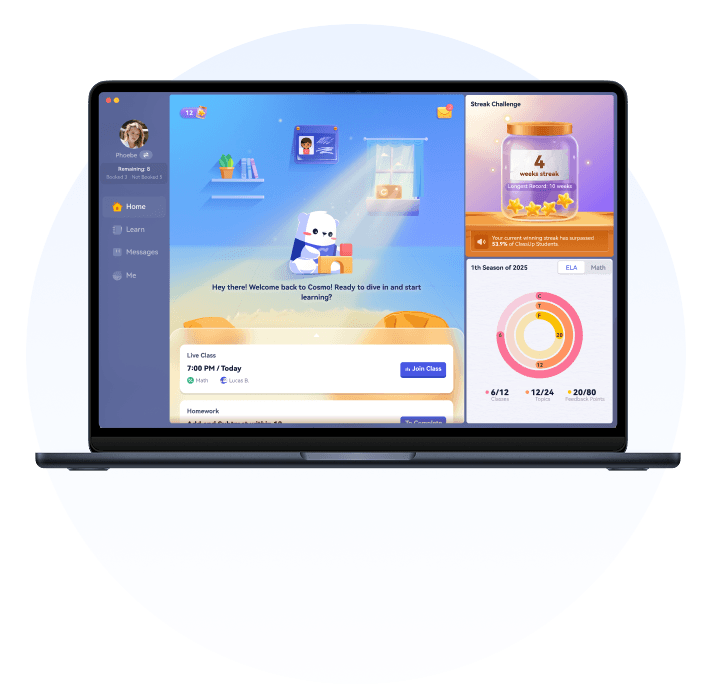
Operating System:Windows 10 and above
Minimum configurations:CPU 4 Cores, 2 GHz, 8GB memory
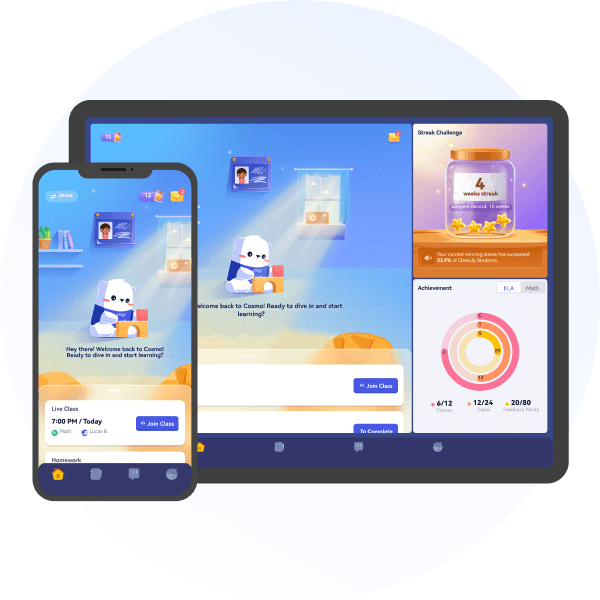
Download on iOS or Android to access your classes, chat with your tutor, and review playbacks on the go.
iPhone & iPad
Android phone & pad
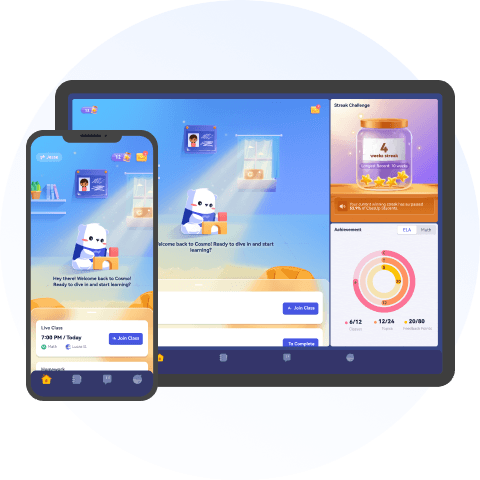
Whether on desktop or mobile, the Cosmo app keeps students and parents connected to their learning journey.
Message directly in the app, get homework help, and ask questions between 1-on-1 sessions.
Book upcoming 1-on-1 tutoring sessions and make changes in a few taps — no emails, no hassle.
Every 1-on-1 session is saved in the app. Recordings never expire — review anytime.
View personalized learning reports in the app — see your child's math and ELA growth after every tutoring session.
View your child's Personalized Learning Plan and share resources with their tutor — all in one place.
Rate each session in the app so your child always gets the most personalized 1-on-1 tutoring experience.
Real feedback from families using Cosmo every week.

Booking online tutoring sessions, checking her learning report, messaging the tutor — everything's in one app. It's saved our family so much time every week.

My kid replays his 1-on-1 tutoring sessions whenever he forgets something. His math grades have improved and he's ready to take on the next grade level.

I message the tutor before each session to share what my son needs help with. The 1-on-1 lessons are so focused — no time wasted, every session counts.
Yes — the app is free to download on all platforms. You'll need a Cosmo account to access classes and features.
Yes. Cosmo is supported on iPad and Android tablets, as well as phones, desktops, and laptops.
The desktop client is optimized for live classes with a larger screen. The mobile app is ideal for scheduling, messaging your tutor, and reviewing recorded sessions on the go.
Yes, all classes take place through the app. We recommend the desktop app for the best class experience. The mobile app supports all other features, including watching recordings and communicating with your tutor.
Download the app and try your first class free — no commitment required.